Generate QR Codes in Seconds – Reliable, Stylish & Free to Use

Iron-on Label Sticker

Generate QR Code – Click Here

00 – 00 / FREE Generate

QR Code Generate
Whatsapp QR Code Generate
VCard QR Code Generate
Multiple Size Options
Iron-on Label Sticker

PhonePe QR Code PVC Card Print

50 – 90 / Piece

Same Day Delivery available
Available in multiple shapes
Responsive Layout
Multiple Size Options
Iron-on Label Sticker

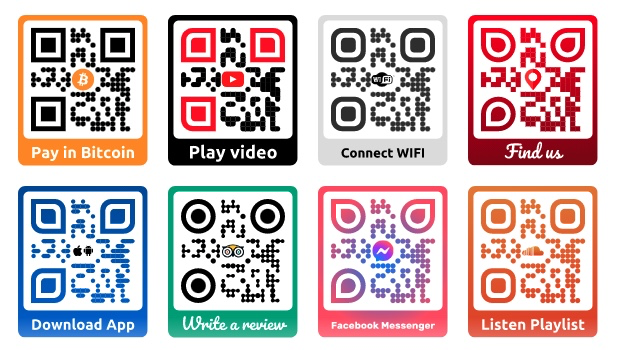
Designer QR code with logo

50 – 90 / Piece

Same Day Delivery available
Available in multiple shapes
Residual-free easy removal
Multiple Size Options
Iron-on Label Sticker

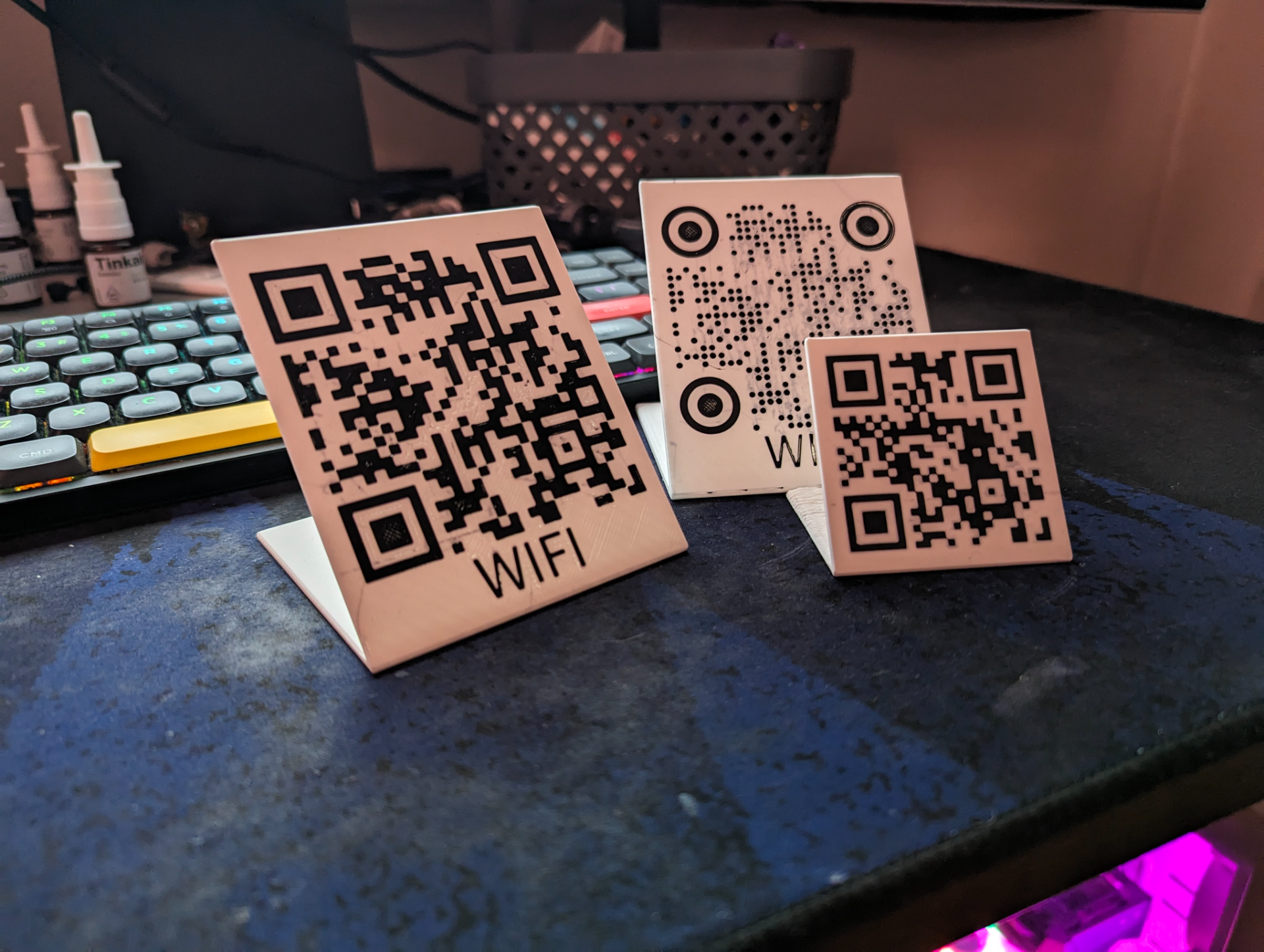
QR Code Stand Generator (Custom Wifi/URL/Phone)

50 – 90 / Piece

Same Day Delivery available
Available in multiple shapes
Responsive Layout
Multiple Size Options

Custom Designs to Your Vision

At Kaagaz Graphics and Print, we create 100% original designs. Every layout is built from the ground up to reflect your brand, goals, and preferences using the assets you provide.

Our Process

  1. Discovery & Input : We begin by understanding your project’s style, tone, and purpose. Share your logos, colors, and references to guide us.
  2. Custom Design Creation : Every element—layouts, typography, visuals—is created from scratch to match your brand identity.
  3. Collaboration & Feedback : We share drafts, collect your feedback, and revise until the design perfectly aligns with your vision.
  4. Final Delivery : Upon approval, we deliver the final design in all required formats, ready for immediate use.
🛒 How To Order
Notes
  • Use high-contrast colors — dark codes on light backgrounds scan most effectively.
  • Test your QR code across different devices and apps before publishing or printing.
  • Maintain a minimum print size of 2 x 2 cm to ensure readability.
  • Opt for dynamic QR codes if you may need to update the target URL later.
  • Avoid placing QR codes on folds, curves, or corners of packaging or materials.
  • Add a brief call-to-action (like “Scan to Learn More” or “Scan for a Deal”) to encourage interaction.

Tags

Online QR Code Creator Free QR Code Custom QR Code Dynamic QR Code Static QR Code QR Code Maker QR Code for URL QR Code for Business QR Code for Contact QR Code with Logo QR Code for PDF QR Code for Website QR Code Scanner Secure QR Code Branded QR Code QR Code for Event QR Code for WiFi QR Code for Payment Editable QR Code QR Code Design QR Code for Marketing QR Code for Products Printable QR Code High-Resolution QR Code Trackable QR Code

Frequently Asked Questions – QR Code Generator

1. What is a QR code?

A QR code (Quick Response code) is a type of barcode that stores information such as URLs, contact details, text, or other data, scannable by smartphones or QR readers.

2. How does a QR code generator work?

You input your data (like a website URL, text, or contact info), select a style or format, and the generator produces a scannable QR code image.

3. Can I customize the QR code?

Yes, you can customize colors, add logos, choose shapes, and select frame styles for branding purposes.

4. What types of QR codes can I generate?

We support URL, text, vCard/contact info, email, phone number, Wi-Fi login, PDF, and social media links.

5. Are QR codes free to generate?

Basic QR codes are usually free, while premium features like advanced customization, dynamic tracking, or high-resolution downloads may require a subscription.

6. Can I download the QR code?

Yes, generated QR codes can be downloaded in PNG, JPG, SVG, or PDF formats depending on your preference.

7. Are the QR codes scannable by all devices?

Yes, standard QR codes are compatible with most smartphones and QR code scanning apps.

8. Can QR codes be dynamic?

Yes, dynamic QR codes allow you to change the destination URL or information even after printing.

9. How do I use the QR code for marketing?

Include the QR code on print materials, packaging, advertisements, business cards, or digital media to direct users to your website or offer.

10. Are QR codes secure?

QR codes themselves are secure, but always ensure that the linked content is safe and trusted to prevent phishing or malicious use.

11. Can I track QR code scans?

Yes, dynamic QR codes often come with analytics to track scan counts, locations, and device types.

12. What is the difference between static and dynamic QR codes?

Static QR codes store fixed information that cannot be changed, while dynamic QR codes allow the destination data to be updated anytime.

13. Can I print QR codes on products?

Yes, QR codes can be printed on business cards, brochures, packaging, merchandise, posters, and more.

14. What resolution should I use for printing?

For high-quality printing, use vector formats like SVG or PDF, or high-resolution PNG images to ensure clarity.

15. Are QR codes compatible with social media?

Yes, you can create QR codes that link directly to social media profiles or pages.

16. Can I create a QR code for Wi-Fi access?

Yes, you can generate a QR code that allows users to connect to a Wi-Fi network automatically by scanning.

17. Can QR codes include logos?

Yes, you can embed a small logo or icon at the center of the QR code without affecting scannability.

18. Are QR codes editable after download?

Static QR codes cannot be edited once generated, but dynamic QR codes allow you to update the linked content anytime.

19. Do QR codes expire?

Static QR codes do not expire, while some dynamic QR codes may have expiration based on subscription or plan settings.

20. Can I use QR codes for payments?

Yes, QR codes can be linked to payment gateways like PayPal, UPI, or other digital wallets for transactions.

Get In Touch

C-114, Countrywide Apartments, Mohammadpur, Bhikaji Cama Place, New Delhi - 110066

raj@kaagazprints.com

+91-9810688854

Popular Links

© kaagazprints. All Rights Reserved. Designed by Brandslift Web Infotech